Take a virtual peek into my classrooms! I see each class once a week for one hour. Check here for lesson descriptions, pictures, and project postings.
Friday, January 21, 2011
Winter Session Week 2
This was a short week due to 3 snow days!
B1-2 Technology:
After our Dance Mat keyboarding practice, we watched a short youtube animation called Snowday.
Using a type of thinking map called a Tree Map, we discussed our snowdays using our 5 senses-what did our snow day look like, feel like, taste like, smell like, and sound like? Students wrote their thoughts on a Word document which they formatted and added clip art.
3-4 Technology:
After Type to Learn, we watched a Brainpop video about the history of computers. We discussed how computers have changed over time and then played several different invention games on ikeepbookmarks such as Goldburger to go , Toy invention
, and invention time machine.
Friday, January 14, 2011
Computer Challenge #1
What did you do on your snowdays? Watch the video, and when it is over click to create your own. Click Share the Fun, and then email it to me at lcvines@ci.maryville.tn.us
If you do not have an email address you can use your pretend one- avatarname@ftcraig.com
I can't wait to get some mail!
If you do not have an email address you can use your pretend one- avatarname@ftcraig.com
I can't wait to get some mail!
Saturday, January 8, 2011
Winter Session Week 1
B1-2 Technology:
We are picking up where we left on break, talking about our city. After our keyboarding practice, we listened to the tumblebook The Firestation, by Robert Munsch and brainstormed some other jobs that people have in our city. Using Paint, the students make snowmen doing different jobs-I will put them together into a big Cyber Snow City!
3-4 Technology:
Class started this week with a keyboarding challenge-students stayed in the hallway and tried to fill out a blank keyboard with the correct letter positions. After correcting them in the lab, students went to Type to Learn for some keyboarding practice. To welcome the new year, we wrote on our kidblogs about our predictions, hopes, and resolutions for the new year. The fun came when students learned about HTML code and used MagicWidgets to embed a calendar and some glitter text. Check out their blogs and leave some comments!
We are picking up where we left on break, talking about our city. After our keyboarding practice, we listened to the tumblebook The Firestation, by Robert Munsch and brainstormed some other jobs that people have in our city. Using Paint, the students make snowmen doing different jobs-I will put them together into a big Cyber Snow City!
3-4 Technology:
Class started this week with a keyboarding challenge-students stayed in the hallway and tried to fill out a blank keyboard with the correct letter positions. After correcting them in the lab, students went to Type to Learn for some keyboarding practice. To welcome the new year, we wrote on our kidblogs about our predictions, hopes, and resolutions for the new year. The fun came when students learned about HTML code and used MagicWidgets to embed a calendar and some glitter text. Check out their blogs and leave some comments!
Tuesday, December 14, 2010
Friday, December 10, 2010
Fall Session Week 8
B1-2 Technology:
After our keyboarding (boy, they are getting good at it!), we watched a short video of Jan Brett reading her book, The Gingerbaby. We used Microsoft Word to turn ourselves into Gingerbabies and make a holiday card which I will upload to the blog next week. After we finished our cards, we had fun decorating some online gingerbread houses and Christmas trees.
3-4 Technology:
Students started class this week by taking a 1 minute typing test. They took the test at least twice and recorded their highest score before moving on to a keyboard game. We'll take the test again later this Spring to see how everyone improves. After keyboarding, we discussed the differences between a blog, an email, and instant messaging or chatroom. The students had fun going to Santa's website at the Northpole to email a holiday card to their teacher or parents and to chat online with an elf. There are also plenty of stories and games to check out at this site!
http://www.amazing-animations.com/animated-christmas6.php
3-4 Technology:
Students started class this week by taking a 1 minute typing test. They took the test at least twice and recorded their highest score before moving on to a keyboard game. We'll take the test again later this Spring to see how everyone improves. After keyboarding, we discussed the differences between a blog, an email, and instant messaging or chatroom. The students had fun going to Santa's website at the Northpole to email a holiday card to their teacher or parents and to chat online with an elf. There are also plenty of stories and games to check out at this site!
Friday, December 3, 2010
Fall Session Week 7
B1-2 Technology:
It was a letter M day all week! M is for Maryville-we "visited" the Maryville City website online and learned about hyperlinks while checking out pictures of our City Council. As a class we brainstormed words describing Maryville that start with M and used them to make a word cloud. M is also for M and M candy! We learned how to use Microsoft Excel to make a bar graph of candy colors. Finally, we created our own funny M and M online at Become an M.
3-4 Technology:
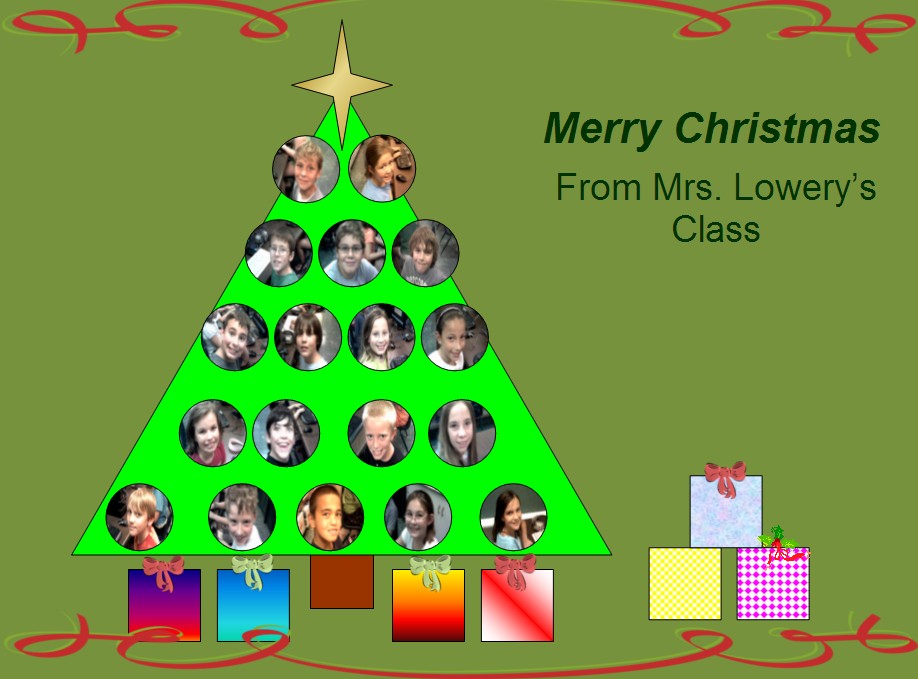
We used Powerpoint to create a holiday present-can't tell you anymore, it's a secret!
It was a letter M day all week! M is for Maryville-we "visited" the Maryville City website online and learned about hyperlinks while checking out pictures of our City Council. As a class we brainstormed words describing Maryville that start with M and used them to make a word cloud. M is also for M and M candy! We learned how to use Microsoft Excel to make a bar graph of candy colors. Finally, we created our own funny M and M online at Become an M.
3-4 Technology:
We used Powerpoint to create a holiday present-can't tell you anymore, it's a secret!
Subscribe to:
Posts (Atom)